

Automation vs AI: What’s the difference? And how can you get them working together on…
When Is It Time to Start Automating Your WordPress Tasks?
How do you know when it’s time to start automating your WordPress tasks? And which tasks should you start automating first? Here’s a hint: think R.I.C.H.!
TLDR? 100-word Summary
The R.I.C.H. Framework by Uncanny Automator helps businesses, especially WordPress users, identify tasks for automation. R.I.C.H. stands for:
- Repetitive: Tasks that you perform multiple times a day, week, month, or year.
- Iterative: Tasks that you perform across multiple records.
- Costly: Tasks that are time-consuming and/or require multiple tools.
- Hard: Tasks that are error-prone and/or require coordination between multiple tools and/or stakeholders.
The framework guides users to list workflows, score them on a 1-5 scale for each R.I.C.H. criterion, and then prioritize tasks with higher scores for automation. Automation should augment human efforts, account for edge cases, and be measured for ROI.
Uncanny Automator is the no-code solution for automating WordPress tasks.
You didn’t start your business to get bogged down in busywork. Much like us here at Uncanny Automator, you started it to serve a need and fulfill a vision.
Yet between generating leads, publishing content, and tracking invoices, your hours vanish and your focus fades. The passion that once drove your work dissipates under the monotony of daily tasks.
Automation helps you get that focus back.
According to McKinsey, nearly 60% of occupations could automate one-third of their activities—saving thousands of hours and dollars every year. But where do you start?
Automating the wrong tasks wastes effort, while automating the right ones unlocks freedom, clarity, and growth.
In this article, I’ll give you a framework we’ve developed to help businesses identify WordPress workflows to automate. You’ll also get a straightforward spreadsheet to organize your automation priorities and maximize the benefits of the #1 integration and automation tool for WordPress sites.
Ready to reclaim your time? Let’s go!
What is Workflow Automation? (And Why WordPress Websites Need an Automation Plugin)
If your business feels like it’s held together by to-do lists, plugins, and good intentions, believe me, you’re not alone.
Most small business owners, freelancers, and creators spend hours every week doing the same tasks: sending confirmation emails, updating spreadsheets, syncing customer data, or moving files from one platform to another.
But workflow automation can change that.

Simply put, workflow automation means using technology to handle the repetitive, rule-based processes that keep your business running.
Automation frees up more of your time and resources so you can focus on moving your business forward.
Think of it as your digital assistant, quietly taking care of tasks like sending onboarding emails, updating WooCommerce order statuses, or adding new leads to your CRM.
For WordPress websites, automation is especially powerful.
Between plugins, forms, store orders, and memberships, your site is already generating data every minute—it just isn’t working together. Without automation, you’re left copying and pasting information between tools, losing time, and risking errors.
With the right automation plugin, those connections happen instantly and invisibly, without the need for your intervention.
“workflow automation means using technology to handle the repetitive, rule-based processes that keep your business running”
But not every workflow is worth automating right away. Automating the wrong ones first can create more confusion than clarity, wasting time and money in the process.
That’s why you need a framework—a simple, reliable way to evaluate which workflows will give you the biggest impact for the least effort.
In the next section, I’ll introduce that framework—Uncanny Automator’s R.I.C.H. Framework—to help you pinpoint which tasks are truly ready for automation.
R.I.C.H. Framework for Identifying Tasks to Automate
By now, you know that automation can help your business work smarter—but how do you know which tasks are worth automating first? That’s where the R.I.C.H. Framework comes in.
At Uncanny Automator, we created the R.I.C.H. Framework to help WordPress users identify the most “automation-worthy” workflows—the ones that save the most time, reduce the most friction, and deliver the best ROI.
It’s a simple, four-part system that evaluates your tasks across four key traits:
Together, these four factors—Repetitive, Iterative, Costly, and Hard—form the foundation of a smarter automation strategy. The higher a workflow scores across these categories, the greater the payoff when you automate it.
In the next section, I’ll walk you through exactly how to apply the R.I.C.H. Framework to your business and build a simple scorecard to identify your highest-impact automation opportunities.
How to Apply the R.I.C.H. Framework to Your Business
Knowing what R.I.C.H. stands for is one thing—putting it into practice is where the real transformation happens. Let’s walk through a simple, step-by-step process for identifying your top automation candidates.
Step 1: List Your Regular Workflows
Start by listing out the recurring workflows that keep your business running. Break them down by type so you can easily see where your time goes. For example:
- eCommerce: inventory management tasks, abandoned cart follow-ups, re-engagement campaigns, etc.
- eLearning: student enrollments, quiz and course completions, certificate issuance, personalized learning pathways, etc.
- Marketing: tagging and segmentation, drafting and publishing email campaigns, lead generation and nurturing, etc.
- Content: blog post writing and publishing, social media sharing, newsletter updates, image generation, etc.
- Support: Ticket routing, satisfaction surveys, renewal reminders, etc.
Don’t overthink this step—just capture what you (or your team) do regularly.
Step 2: Score Each Workflow Using R.I.C.H.
Next, rate each workflow on a 1–5 scale for each R.I.C.H. category. A “1” means the task happens rarely or costs little, while a “5” means it’s constant, costly, or error-prone.
Here’s a quick example of how you might define those scores:
| Criteria | 1 | 2 | 3 | 4 | 5 |
|---|---|---|---|---|---|
| Repetitive | Once a year | Once a month | Once a week | Once a day | Multiple times a day |
| Iterative | Single record | Few records | Several records | Many records | Hundreds or thousands |
| Costly | < 10 minutes | 30 minutes | 1 hour | Several hours | Full day or more |
| Hard | Simple, low risk | Some steps | Error-prone | Complex tools involved | Requires deep focus or frequent corrections |
These are general guidelines for a typical small business or agency. Every business will need to adjust the scale to reflect its size, industry, and internal workflows. For instance, what’s “costly” for a solopreneur might look different for a 10-person team.
Step 3: Calculate and Prioritize
Once you’ve scored each workflow, total the points across all four categories. The higher the score, the more time and money you stand to save by automating it.
For example:
- Tagging ecommerce customers in a CRM: Repetitive (5), Iterative (5), Costly (3), Hard (4) → Total = 17
- Blog post sharing: Repetitive (3), Iterative (2), Costly (2), Hard (1) → Total = 8
Your top-scoring workflows—like contact segmentation and order management—are your best candidates for automation. Start there.
With this simple scorecard, you’ll see at a glance where automation will have the biggest impact. From there, Uncanny Automator can take those high-value tasks and connect your favorite plugins and apps—no code required—so your business runs smoother, faster, and with far fewer manual steps.
Best Practices for Automating Workflows
Before you dive headfirst into automation, it’s worth taking a moment to plan your approach. Here are a few best practices to keep your automations running smoothly:
1. Review Before You Automate
Automation doesn’t fix a broken process—it magnifies it. Before setting anything in motion, walk through each workflow step-by-step. Eliminate redundancies, clarify logic, and ensure each step serves a purpose. A clean workflow is far easier to automate and maintain.
2. Think of Automation as Augmentation
Automation can replace workers, but it works best when it amplifies their efforts. The goal is to handle the repetitive tasks so you and your team can focus on creativity, strategy, and client relationships. The best automations make humans more effective, not obsolete.
3. Automate for the Edge
Don’t stop at the obvious cases. The most reliable automations account for exceptions and “what-ifs.” Use conditions, filters, and multiple Automator recipes to capture edge cases—like expired coupons, partial form submissions, or abandoned checkouts—so nothing slips through the cracks.
4. Measure and Report
Track your results. Time saved, errors reduced, conversions improved—whatever metric matters most, measure it. Automation should deliver measurable ROI, helping you refine and prioritize what to automate next.
5. Combine Automation and AI
Automation handles the when and how—AI enhances the what. Integrate AI tools into your workflows for smarter content generation, personalized messaging, and data analysis. Together, automation and AI can turn your workflows from efficient to exceptional. Want to learn more about combining AI and automation? Read our post about creating agentic AI workflows >>>.
Why Automate Your WordPress Site With Uncanny Automator
I hope you don’t mind the humblebrag but, here at Uncanny Automator, we’re kind of automation experts.
Since 2018, we’ve been helping WordPress developers, business owners, and site administrators shave hours off their work week and digits off their operating costs.
If you’re running your business on WordPress, automation isn’t just a nice-to-have—it’s essential for running a modern website. And Uncanny Automator was built specifically for the WordPress ecosystem.
Integrate Everything. Automate Anything.
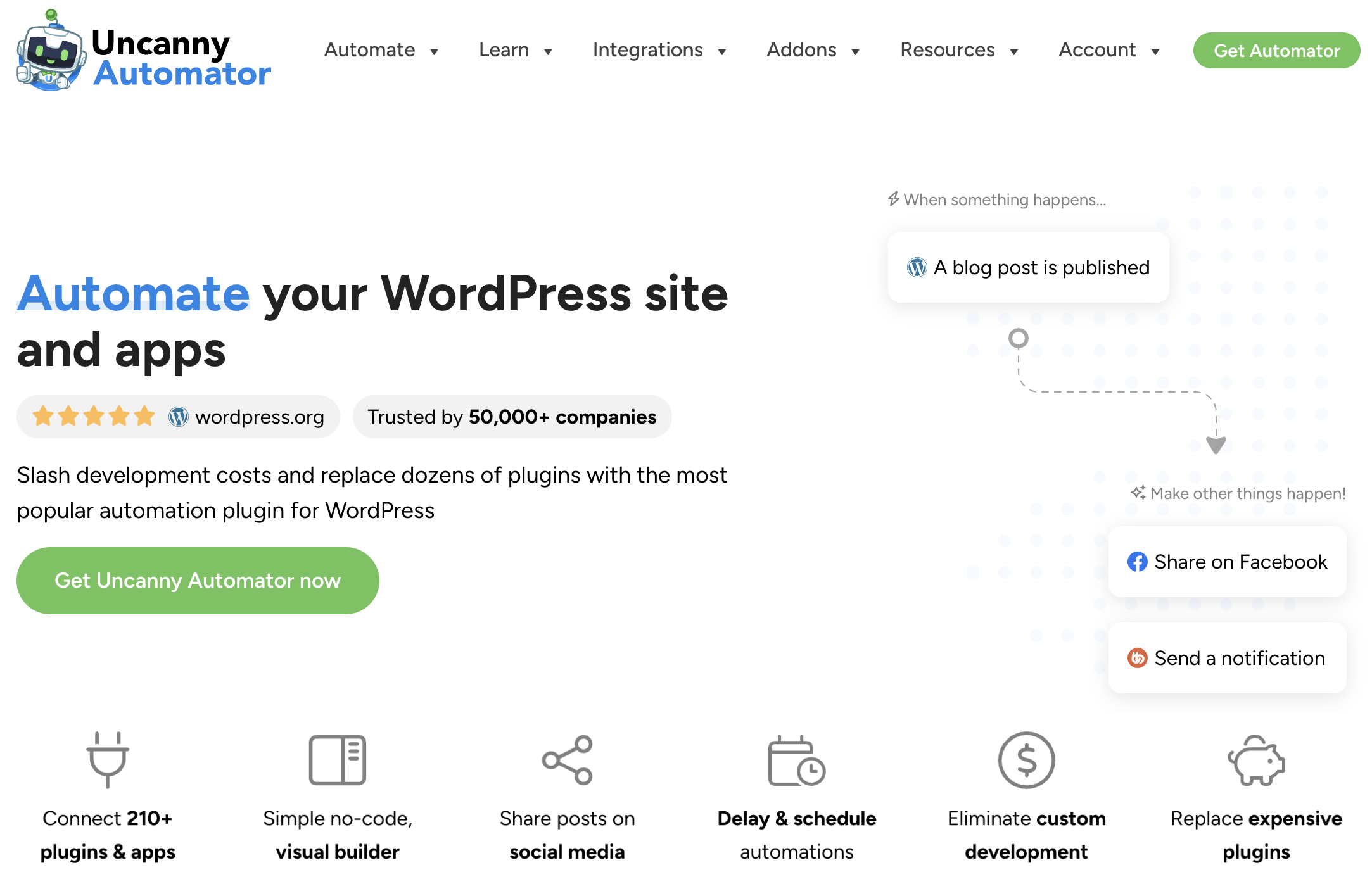
Automator connects your favorite plugins and apps so they work together seamlessly—no code, no custom integrations, no costly development fees.
Whether you’re running a WooCommerce store, a membership or elearning site, or a content-driven blog, Automator helps you automate everything from customer onboarding to content promotion.
Here’s what sets Automator apart:
- Built for WordPress: Designed specifically for WordPress, it integrates natively with 214 plugins and apps you already use.
- No-per automation Fees: The whole point of automating is to save time and money. Unlike other integration and automation tools out there, Automator doesn’t charge per-automation fees. In other words, the more you automate and integrate, the more you save.
- Visual, Code-Free Builder: Point, click, and create. At the core of our philosophy is bringing powerful, enterprise-level automations to all WordPress users, regardless of their technical expertise.
With Uncanny Automator, your WordPress site becomes more than a website—it becomes a fully automated business hub. You’ll spend less time on manual tasks and more time creating, selling, and scaling what you love most.
The best time to start automating your workflows is right now.
Conclusion & Next Steps
Automation isn’t about replacing your work—it’s about reclaiming your time so you can focus on what truly matters: growing your business, serving your customers, and building something lasting.
By identifying the right tasks to automate, you eliminate friction, reduce errors, and unlock new capacity for creativity and innovation. The R.I.C.H. Framework gives you a practical, proven way to evaluate your workflows, prioritize what to automate, and see measurable results—fast.
Ready to put it into action?
Download the R.I.C.H. Scorecard and start mapping your own workflows today. See how much time and effort you can save when your systems finally start working together.
Then, take the next step: try Uncanny Automator—the #1 automation plugin for WordPress—and start turning your high-priority automation opportunities into reality. No code, no hassle—just more time to do what you love.
Until next time, happy automing!
Frequently Asked Questions

Related Posts






































































This Post Has 0 Comments